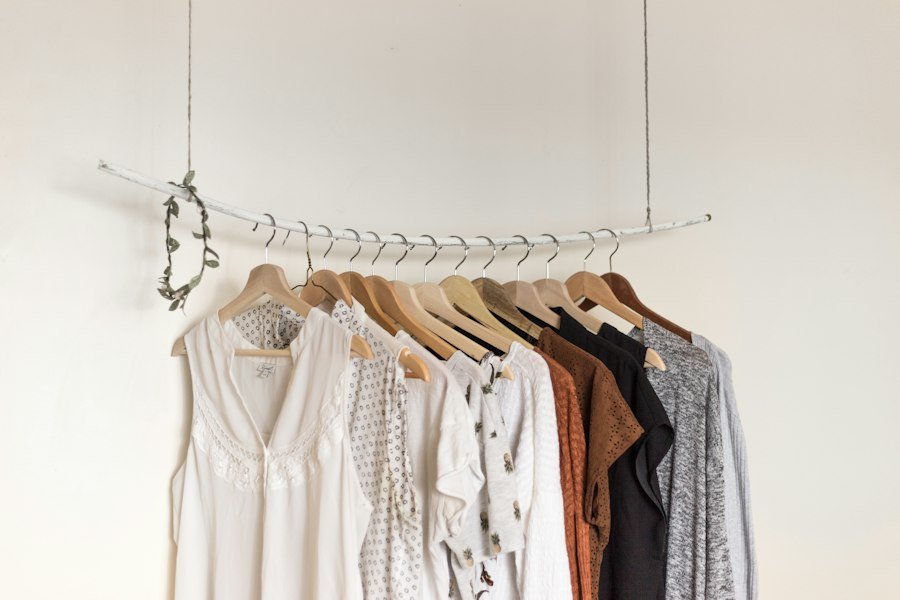
Capsule Wardrobe Planner
Choose the pieces you already own and create mix-and-match outfit ideas from your own wardrobe.
1. Build your wardrobe list
Choose pieces you own or add your own item in each category. Select at least one top, bottom and pair of shoes.
Tops
Bottoms
Shoes
Optional layers
Optional accessories
Your selections stay in this browser only when you choose Save wardrobe.
2. Your outfit ideas
No outfits generated yetWe’ll combine your selected tops, bottoms and shoes. Optional layers and accessories are added when selected.
Ready when you are
Select your wardrobe pieces and choose Generate outfits to see combinations here.Outfit combinations are creative suggestions, not personalized fit or weather advice. Use what feels comfortable and suits your plans.
How to use the Capsule Wardrobe Planner
- Select tops, bottoms and shoes, or add your own wardrobe items.
- Choose an occasion and include optional layers or accessories.
- Generate, explore, copy or print outfit combinations, then save your wardrobe in your browser.
Build a useful capsule wardrobe
Start with clothes that fit your everyday life, climate and comfort. Choose pieces that work together in colors and layers you enjoy wearing. A capsule wardrobe does not need a fixed number of items; the goal is to make your existing wardrobe easier to use.
Frequently asked questions
Where is my wardrobe saved?
The save feature uses local browser storage on this device. Clearing site data or changing browsers may remove access to saved choices.
Can I add clothes that are not in the list?
Yes. Use the add-item field in any wardrobe category, select the item and generate outfits from your custom pieces.
Are the outfit suggestions personalized?
They are combinations based on the items selected and occasion you choose, not a professional personal-styling service or weather forecast.